Getting started with drone mapping can feel overwhelming — there are flight patterns to learn, software platforms to compare, and file formats you've never seen before. This guide cuts through the noise with a practical, step-by-step walkthrough for beginners who want to fly, upload, and receive a finished 2D or 3D map without spending a dollar. The platform used throughout this guide is SkyeBrowse, a cloud-based videogrammetry platform (meaning it converts drone video — not just still photos — directly into maps and 3D models). If you haven't yet decided which tool to use and want a side-by-side comparison of free options, see our roundup of free drone mapping software in 2026 first and return here when you're ready to start with SkyeBrowse.
Key Takeaways
- SkyeBrowse's Freemium plan is $0 per month with no credit card required, and allows unlimited basic 2D and 3D model creation — not a single demo project.
- You do not need a specialized survey drone to start; SkyeBrowse's Universal Upload accepts video from any drone, smartphone, or action camera.
- Smooth, consistent flight patterns matter more than expensive hardware when building your first map.
- In the United States, any commercial use of drone maps requires an FAA Part 107 Remote Pilot Certificate — check your local regulations before flying.
- When a project grows beyond learning and needs professional accuracy, SkyeBrowse lets you upgrade individual models on a pay-per-model basis — no subscription required.
Contents
- What do you actually get with free drone mapping software?
- What equipment do you need to start drone mapping for free?
- Do you need a drone license to map?
- How do you make your first drone map with SkyeBrowse?
- What are the most common beginner mistakes in drone mapping?
- When should you move beyond the free plan?
- FAQ
What do you actually get with free drone mapping software?
SkyeBrowse's Freemium plan offers unlimited creation of basic 2D and 3D models at no cost — no trial period, no credit card, no single-project limit. You can practice across different sites and conditions for as long as you need, which is a meaningful advantage for beginners compared to tools whose free tiers lock you out after one model.
This is an important distinction: most platforms that advertise a "free tier" restrict you to one or two demo projects before pushing you toward a subscription. The Freemium plan from SkyeBrowse is designed as a genuine learning environment. Standard features included at no cost cover model viewing, basic sharing, and basic export options — enough to use the results of your work in real situations.
The free tier sits within a broader upgrade path. If a specific model needs professional features — measurement tools, advanced export formats, or higher processing resolution — you can unlock those features for that single model using SkyeBrowse's pay-per-model credits, with prices starting around $3 per model. That means you are never forced into a subscription just because one project grew in importance.

What equipment do you need to start drone mapping for free?
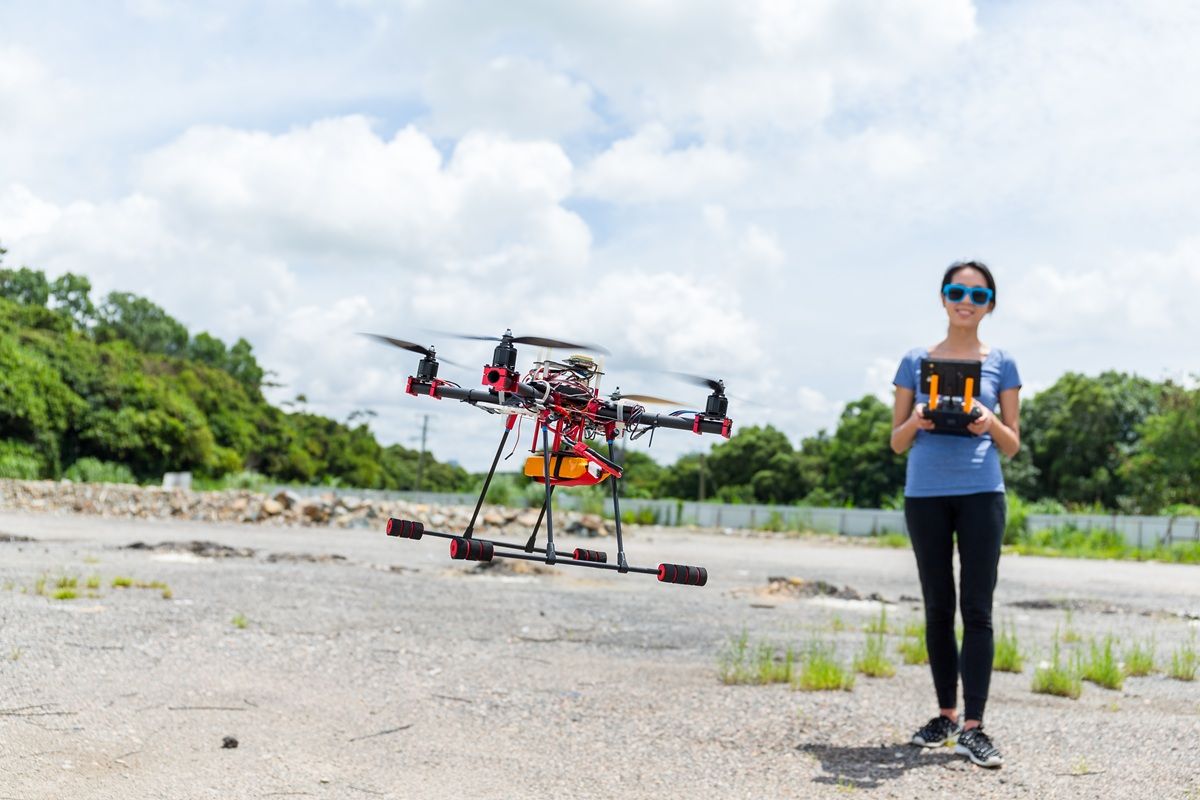
To make your first drone map with SkyeBrowse, you need a drone (or any camera), a charged battery, a safe outdoor location, and a free account at app.skyebrowse.com. No desktop computer with specialized software, no expensive GPS receiver, and no survey-grade hardware is required.
SkyeBrowse's Universal Upload accepts video from virtually any source: DJI consumer drones, Autel drones, smartphones, GoPros, or other action cameras. This flexibility is especially useful for beginners because it means you can start with whatever gear you already own rather than purchasing new equipment before you even know if you enjoy the workflow.
If you are using a DJI or Autel drone, you can optionally attach a telemetry file — a .SRT file from DJI or a .ASS file from Autel — when you upload your video. These small data files carry GPS coordinates and altitude information recorded during the flight, which significantly improves the geographic accuracy of your finished map. They are not required for a first attempt, but they are worth including once you understand the basic upload process.
For a full checklist of what to bring to the field before your first mapping flight, see our drone preflight checklist. A broader introduction to how drone mapping works as a discipline — including flight planning theory and ground control points — is covered in the drone mapping guide.
Do you need a drone license to map?
In the United States, recreational drone mapping on private property generally does not require a license. However, if your maps will be used for any business purpose — even informal work such as landscaping assessments or roof inspections for a client — the FAA requires a Part 107 Remote Pilot Certificate. Check your local aviation authority for regulations outside the US.
The FAA Part 107 certification covers airspace classification, weather limitations, right-of-way rules, and emergency procedures. The knowledge test costs $175 and can be scheduled at any approved testing center. Most beginners studying for Part 107 report needing 10 to 20 hours of preparation time.
Even if you are flying recreationally, you must register any drone weighing more than 0.55 pounds with the FAA (registration costs $5 and is valid for three years), follow airspace restrictions, and keep the aircraft within visual line of sight at all times. Many popular mapping locations — urban areas, near airports, and over crowds — require additional airspace authorization through the FAA's LAANC system.
How do you make your first drone map with SkyeBrowse?
Getting from first flight to finished map involves four steps: decide how you will capture the footage, fly a consistent flight pattern, upload your video file to app.skyebrowse.com, and wait for cloud processing to complete. Most first-time users complete the full cycle in under an hour.
Step 1 — Choose your capture method. If your drone is compatible with the SkyeBrowse Flight App, you can use built-in mission modes that automate the flight path for common mapping scenarios such as orbits and grid surveys. If you are using any other device, select Universal Upload — it accepts any .MP4 or .MOV file.
Step 2 — Fly a consistent flight pattern. This is the step that separates a usable model from a blurry mess. Pick a mode appropriate for your subject: an orbit for a building, a grid for a flat area. During flight, keep your movements smooth, maintain a constant distance from the subject, avoid sudden altitude changes, and keep the camera pointed at the area you want to map. Speed matters less than consistency.
Step 3 — Upload your footage. Log in to app.skyebrowse.com, select Upload, choose Universal Upload, assign a name to your project, and attach your video file. If you have a telemetry file from your drone, add it at this step. Processing begins immediately in the cloud — no desktop software required, no GPU needed on your side.
Step 4 — Review your results. Once processing is complete (typically 10 to 30 minutes for a basic model), your map or 3D model appears in your dashboard. You can view it, share a link, or use it as the foundation for more advanced work. With the Freemium plan, you can repeat this entire cycle as many times as you need.
For detailed video tutorials covering specific drones and capture scenarios, visit skyebrowse.com/tutorials.
What are the most common beginner mistakes in drone mapping?
The most frequent beginner issues are erratic flight paths, footage gaps caused by inconsistent altitude, and shooting in poor lighting conditions. Each of these degrades the photogrammetric reconstruction process that turns your video into a map, regardless of which software you use.
Erratic movement is the leading cause of failed first models. When a drone changes direction suddenly or rotates too quickly, the individual video frames do not overlap sufficiently for the software to stitch them together. A consistent orbit or grid-pass at steady speed gives the processing algorithm the overlapping coverage it needs.
Lighting is a factor beginners frequently underestimate. Harsh midday sunlight creates strong shadows and washed-out surfaces. Low-texture surfaces — smooth concrete walls, calm water, uniform grass — give the algorithm very little to match between frames. If your first model looks fragmented, try flying at a slightly lower altitude for more visual detail per frame, or reschedule the flight for overcast conditions or the golden hour.
The ASPRS Positional Accuracy Standards outline why consistent overlap and controlled flight conditions are foundational to accurate geospatial data — the same principles that apply to professional surveying apply to your first practice flight.
When should you move beyond the free plan?
The free Freemium plan is the right tool while you are learning flight patterns, experimenting with different sites, and building your capture skills. When a specific project needs measurable outputs — distances, areas, volumes, or precise GPS coordinates — that is the natural signal to unlock professional features for that model.
SkyeBrowse's upgrade path is intentionally incremental. Rather than committing to a monthly subscription the moment you want one professional feature, you can unlock individual capabilities on a pay-per-model basis. Measurement tools, advanced export formats (including LAZ point cloud, GLB 3D mesh, and GeoTIFF orthomosaic), and higher processing resolution are all available as credit-based upgrades applied to specific models.
For projects that require consistent professional accuracy — such as construction progress documentation, roof inspections with measurable dimensions, or public safety evidence capture — SkyeBrowse's Premium tier delivers accuracy to approximately 0.25 inch using 8K processing. Premium Advanced, at the top tier, reaches approximately 0.1 inch accuracy with 16K resolution and AI-based moving object removal. Reviewing ground control points is also worth the time once you are ready for survey-grade precision, as GCPs substantially improve absolute positional accuracy in any photogrammetry workflow.
FAQ
Do you need a drone license to start drone mapping?
In the United States, recreational drone mapping on your own property generally does not require a license. However, if you plan to use your maps for any business purpose — even informal work like landscaping quotes or roof inspections — the FAA requires a Part 107 Remote Pilot Certificate. The test costs $175 and covers airspace rules, weather, and emergency procedures. See the FAA's certification page for current requirements.
What drone is best for beginners doing drone mapping?
Any drone that records video can produce a usable drone map through SkyeBrowse's Universal Upload. Beginners often start with a DJI Mini 4 Pro or a similar consumer drone. The key factors are stable hover, a decent camera, and smooth video — not professional survey-grade hardware. Check SkyeBrowse's supported drones list to see which models have native Flight App support with automated mission modes.
How long does it take to process a drone map?
Processing time depends on video length and the chosen quality tier. On SkyeBrowse's free Freemium plan, most basic 2D and 3D models are ready within 10 to 30 minutes of upload. No desktop software installation is needed — processing happens entirely in the cloud at app.skyebrowse.com.
Can you do drone mapping with a phone instead of a drone?
Yes. SkyeBrowse's Universal Upload accepts video from any source — smartphones, action cameras, or drones. For indoor environments, a 360-degree camera often outperforms a drone because it captures ceiling, wall, and floor context in a single pass without requiring a large open area to fly.
Is free drone mapping accurate enough for real projects?
SkyeBrowse's Freemium tier produces models suitable for site reconnaissance, client visualizations, and developing your capture skills. When a project needs survey-grade accuracy — typically 0.25 inch or better — you can upgrade individual models on a pay-per-model basis without committing to a monthly plan. For a full breakdown of accuracy tiers and the tools that deliver them, see the free drone mapping software comparison.